Design Systems Value
Why build design systems?
A Parable
You’re the only designer at a company building a simple task management app where users can add, edit, and delete their daily to-dos. At first, your single-page design feels effortless — a text field and three buttons do the job perfectly. But once user research reveals that most people manage around ten tasks at a time, your three buttons suddenly multiply into thirty, and every small style change becomes tedious.
To streamline this, you create a Button component — one reusable element that updates everywhere at once. This simple shift transforms your design from a one-off layout into a scalable system, reducing friction and keeping everything consistent as the product grows.

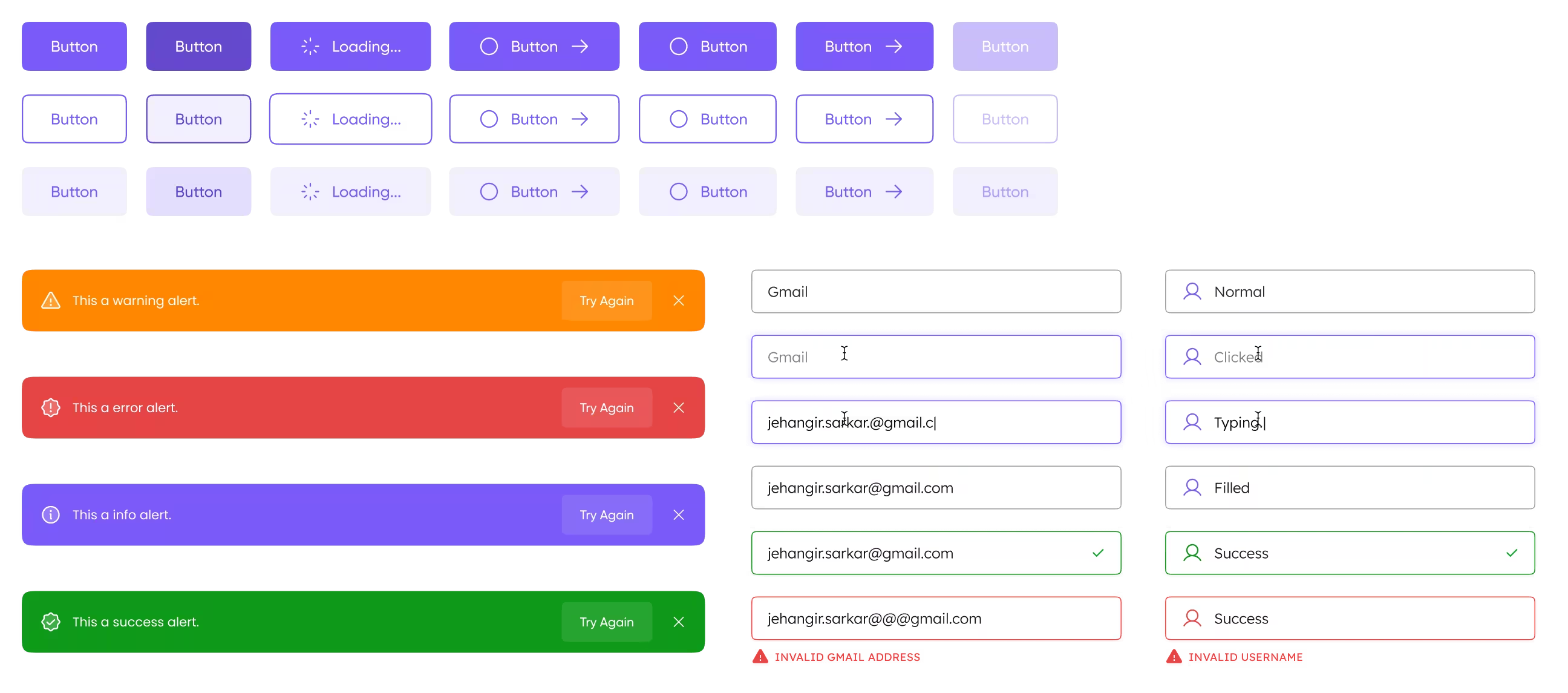
What started as a simple to-do app suddenly began to evolve. Users now wanted to see tasks from previous days and have their recurring tasks appear automatically. Your neat single page grew into multiple screens, each filled with buttons to act, forms to capture details, and alerts to keep users informed. Managing them individually quickly turned messy.
So, you decide to build a Component Library — a single home for every reusable piece. Now, when you tweak a button’s color, adjust a form’s spacing, or restyle an alert, the change echoes across the entire app. What once felt like chaos becomes harmony, and your design finally scales as fast as your product grows.
However, as the application grows...
Most of these components weren’t originally made by you, and things start to feel confusing. Questions begin to surface:
- What’s the purpose of alerts, and how do they differ from modals?
- When should one color be used over another?
- How are users being trained to interact with these UIs?
Your team now faces several hurdles:
- The use and purpose of each component aren’t clearly communicated.
- The team solves similar problems in different ways.
- Users experience inconsistent interactions across the UI.
- The component library starts slowing down design rather than speeding it up.
- As more designers join, technical debt grows instead of efficiency.
This is where a Design System steps in.
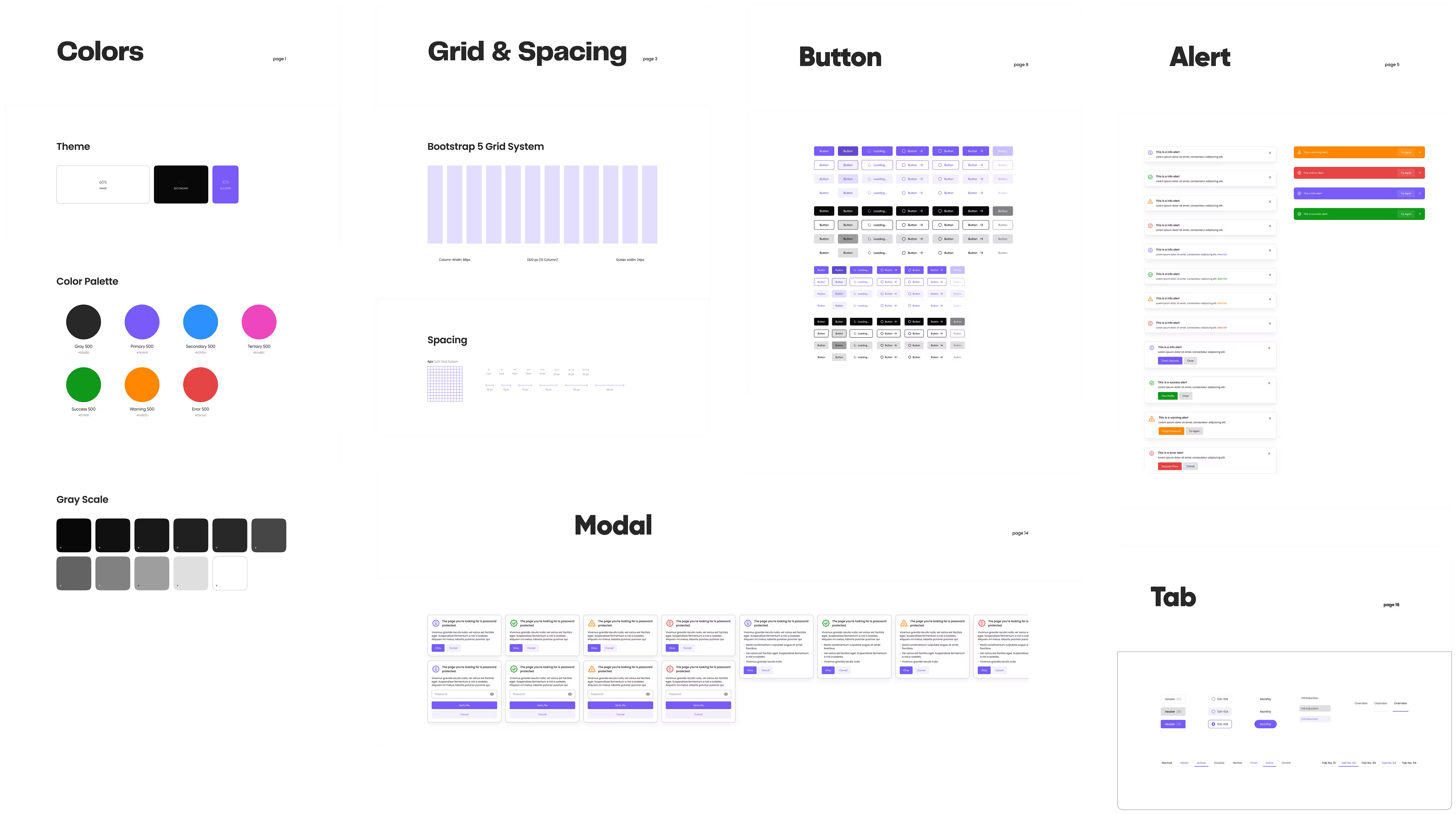
A design system helps the team overcome these challenges and scale with clarity. It brings consistency, structure, and shared understanding — enabling faster design, cleaner code, and seamless collaboration.
It defines not just components, but the rules and principles behind them.
A Final Note
- Teams often use Component Library and Design System interchangeably.
- A design system is a commitment; you don’t need one until it’s necessary.
- Start with a component library to handle most work.
- When workflow is limited, systematize only what truly needs rules — colors, grids, or key components.
- Over time, the library naturally evolves into a design system, guided by real needs.